
Why a 27-inch diagonal cannot resolve a dual display configuration
A dual 27 inch workstation is a starting description rather than a finished brief. What our team works from is the set of inputs the buyer controls: the display weights without their original stands, the mounting interface on each display, the desk or base the arm attaches to, the adjustment the program expects to offer, and the packing format. Send those alongside the drawing or SKU reference and ThunderTech can review which arm form the program should be quoted against.
A quotation that identifies a dual-monitor program by screen diagonal alone leaves most of the inputs that define the build unstated: which display models the drawing and revision actually control, the mounting interface and hardware each screen is fitted to, how the two screens are arranged on the arm or stand, the material and finish specified for the visible parts, the packing configuration the finished units are packed in, and the quantity or forecast the program is planned against. The sections that follow take each of those inputs in turn and show what has to be written down and confirmed before a program route is discussed.
Display inputs that sit behind the diagonal
Rear interface and housing geometry
The first controlled input is the rear of the nominated display, described from the display drawing rather than from a category assumption. The buyer needs to state the interface pattern and fastener detail as printed on the display documentation, whether the pattern sits flush with the housing or inside a recess, how much clearance exists around it, and how the factory pedestal is removed or retained. Curvature and rear taper matter for a second reason in dual programs: two heads brought toward each other in a shared plane interact at their inner edges, and that interaction is governed by housing shape rather than by diagonal. Where the display line is not yet frozen, the useful input is the range of rear geometries the private-label SKU is expected to cover, because a product form that suits a single nominated housing may not suit a family.
Declared mass and its distribution
The mass figure recorded on the display datasheet, and where that mass sits relative to the mounting interface, is a specification input, not a detail to be resolved later. A gas-spring movement class depends on a counterbalance element chosen against a declared mass value. A mechanical movement class and a stand form treat position differently, so the same mass figure carries a different weight in the decision. If one private-label SKU is intended to serve several display models with different declared masses, that intention has to be written into the brief, because it constrains which movement class can be quoted as a single configuration and which would need to be split.
Mounting method and arrangement
Record the intended mounting method next. Clamp, grommet, freestanding base and wall based mounting are separate product routes, and the brief should nominate the one the SKU is being developed for rather than leave it to be settled during quotation. Supply desk drawings or photographs of the attachment area, together with any guidance the desk maker provides, so our team can review the attachment detail against the nominated route.
Arrangement belongs in the same brief. Side by side, stacked and angled layouts are quoted as different products, so nominate the arrangement, state whether the end user is expected to change between arrangements after purchase, and state whether that change has to be possible with the parts already in the carton. With those three answers fixed, ThunderTech can review the column, crossbar and head configuration the nominated arrangement calls for and confirm the route in the quotation. An arrangement left open leaves the quotation open with it.
Movement class: where the three product forms separate
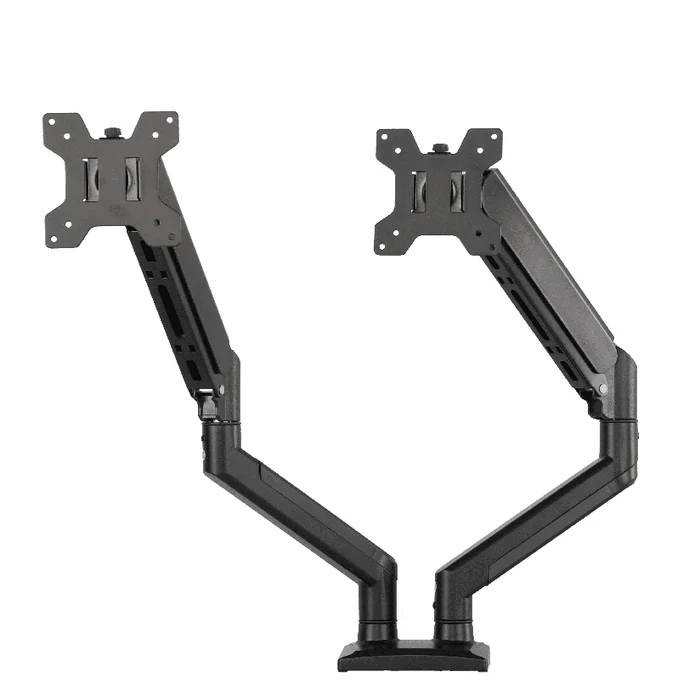
Dual gas-spring arm
The movement system follows what the buyer states rather than an assumption we make on their behalf. ThunderTech develops gas spring and mechanical monitor arms as well as stand and riser based configurations, and the brief should say which adjustment the program is being sold on and how the end user is expected to interact with it. What a given product form covers is defined in that model’s own documentation rather than by the category name, so send the stated displays and mounting method and our team can review them against a nominated model before the form is fixed.
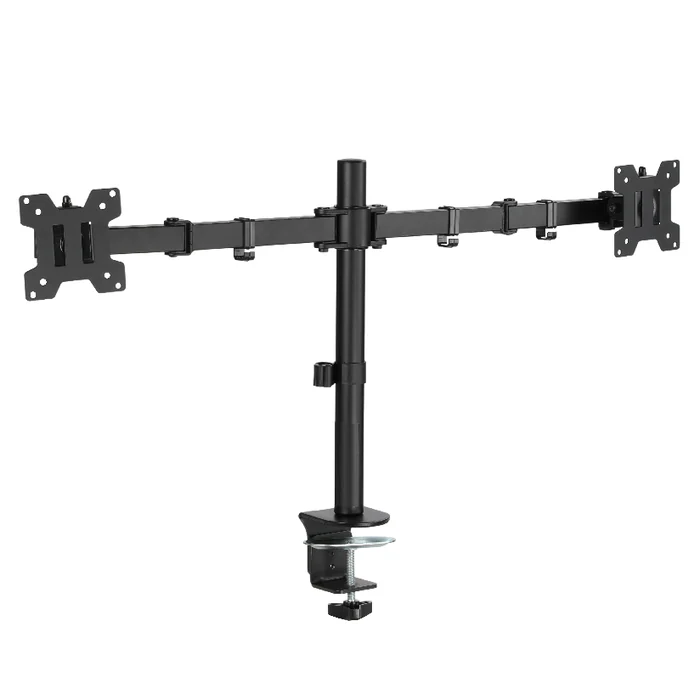
Dual mechanical arm
A mechanical configuration is a distinct form in our monitor arm range rather than a variant of the gas-spring build, so it is specified and quoted from its own set of parts. Which configuration the program intends, the component schedule that configuration implies, and the drawing or SKU revision it is taken from are the inputs ThunderTech would need to review before a route is confirmed. Send those with the private-label range you have in mind and our team can confirm what the mechanical form already fixes and what is still open in the specification.
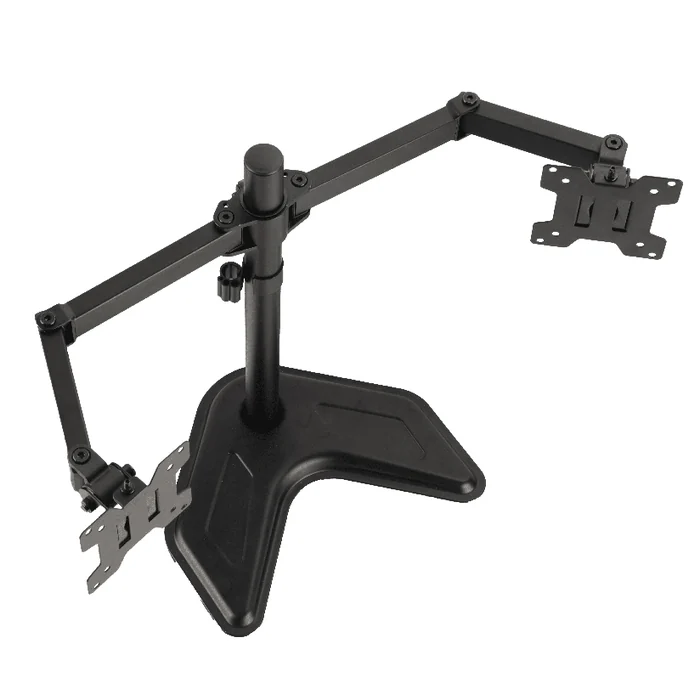
Dual stand
A stand form moves the reference from a work surface attachment to a base of its own. That resolves the surface question and can suit programs where the product is bundled or sold into a channel the buyer cannot specify, but it introduces base footprint, base material and base finish as governing inputs, and it constrains how far the two heads can be separated or stacked.
Finish, packing and forecast as specification inputs
Finish, packing and forecast are specifications the buyer nominates, not details added once the design is settled. State the finish system, how the colour is referenced, whether visible and concealed parts carry the same finish, and whether the finish has to be held across a family of SKUs. State whether packing is retail facing, bulk or bundled, and what printed content, language coverage and label placement it has to carry. State the expected volume profile and how often revisions are likely. ThunderTech can then review how finishing, tooling and pack breakdown would be planned for the proposed route and confirm what the quotation covers.
ThunderTech’s standard product forms cover dual gas-spring arms, dual mechanical arms and stands, so a nominated 27-inch class dual display program can be quoted against a specification rather than against a diagonal. Send the nominated configuration, the display drawing or model reference with its rear interface detail and declared mass, the arrangement and mounting method, the finish and colour reference, the packing format and printed content requirements, and the volume and revision expectation, and our team can review those inputs and confirm the quotation details and the proposed program route for the dual display SKU.
Reviewing a Dual 27-Inch Display Requirement Against the 2517 Reference
Why is a 27-inch diagonal not enough to describe the displays in an enquiry?
The diagonal states the panel size and nothing else, so it leaves the housing depth, the bezel width, the overall outline height and width, and the position of the mounting pattern on the rear case unstated. Two displays sold under the same diagonal can be documented differently on every one of those dimensions, and none of them can be derived from the diagonal figure. Our team works from the dimensioned rear view rather than the marketing size, so an enquiry carrying only the diagonal cannot be taken through review. Send the display documents and ThunderTech can confirm in the quotation what the review covers.
What controlled inputs does ThunderTech need to review the request?
Send the display makes and model numbers with outline drawings or dimensioned rear views showing the overall dimensions, the housing depth, the mounting pattern position, and the fastener detail. Send the arm drawing or SKU behind the 2517 reference together with its revision, because the reference on its own does not tell us which drawing is the controlling one. Add the intended desk or column interface, the finish, the packing format, and the quantity or forecast so the commercial side is reviewed against the same set of inputs. ThunderTech can then review those documents and confirm the proposed program route in the quotation.
How should a buyer handle several display SKUs in one enquiry?
List every display SKU that is in scope rather than one representative model, because a single sample does not show the spread of dimensions our team has to review. Provide the same controlled documents for each SKU so the list is reviewed on one consistent basis instead of a mix of sources and revisions. If part of the list is still being selected, mark which SKUs are firm and which are candidates, and give the decision date you are working to. Our team can then review the list against the arm drawing you nominate and confirm in the quotation how the request is taken forward.