
A TV that is mounted too high can feel awkward long before you realize why. Many people focus on wall space first, then adjust to the screen instead of the other way around.
In most rooms, the optimal TV height depends on where your eyes naturally rest and how that affects the viewing angle. A good setup should feel comfortable, not forced. This article explains how to find the right height for your TV and what can change that number.
TV Mount Height Calculator Basics
A TV mount height calculator usually starts by aligning the center of the screen with seated eye level, then adjusts that placement based on the TV’s dimensions, the mount design, and any furniture below. That is the basic logic behind a comfortable setup, whether you use a fixed mount, a tilt mount, or a full-motion model.
If you are planning the installation around a specific bracket, ThunderTech’s DT-SM and 506-64 are useful examples of two different mounting styles. A closer-to-wall tilt mount is often a good fit when the viewing height is already close to ideal, while a full-motion mount can give you more flexibility after installation.
What Determines the Optimal TV Height
The final height is not based on screen size alone. It depends on a few connected factors:
- Eye level: where your eyes naturally rest when seated
- Screen height: the actual vertical height of the TV
- Viewing angle: whether you are looking straight ahead or slightly upward
- Seating style: upright seating and reclined seating do not produce the same result
- Furniture below: consoles, cabinets, and soundbars can affect the available mounting position
In many living rooms, the most comfortable result comes when the center of the TV lands close to eye level. That usually keeps the viewing angle easier on the neck during longer sessions.
Screen size still matters. A 55-inch TV and a 75-inch TV may share a similar center target, but they will not necessarily share the same bottom-edge height because the screen itself is not the same height.
How to Calculate TV Mount Height
If you want a practical method, follow this order:
- Measure your seated eye level.
Sit where you normally watch TV and measure from the floor to your eyes. - Measure the actual height of the TV screen.
Use the screen height or full TV dimensions, not just the diagonal size in the product name. - Find the center point of the screen.
Divide the screen height by two. - Match that center point to your eye-level target.
That gives you a strong starting point for the screen position. - Adjust for the room.
If there is furniture below the TV, limited wall space, or a mount that changes the viewing position, refine the placement before drilling.
Setup tip: Mark the planned screen outline on the wall with painter’s tape before installation. It is a simple way to check whether the height looks comfortable from your main seat.
When the Ideal Height Changes
The calculator gives you a starting point, not a fixed rule for every room.
If the TV sits above furniture, the available space may push the screen slightly higher. In rooms where you watch from a reclined position, the TV may also end up a little higher than in a standard living-room setup. A fireplace wall is another common exception, since the screen often sits above eye level in that layout.
That is one reason tilt mounts are often considered for higher placements. A model such as ThunderTech’s DT-SM can help when the screen position is above a neutral eye-level line.
Common adjustment situations include:
- A tall media console below the TV
- Reclined seating
- A wall centered around a fireplace
- A layout where the TV cannot be placed at the ideal center height
Choosing the Right Mount for the Height You Need
The mount does not determine the ideal height by itself, but it does affect how easily you can achieve it.
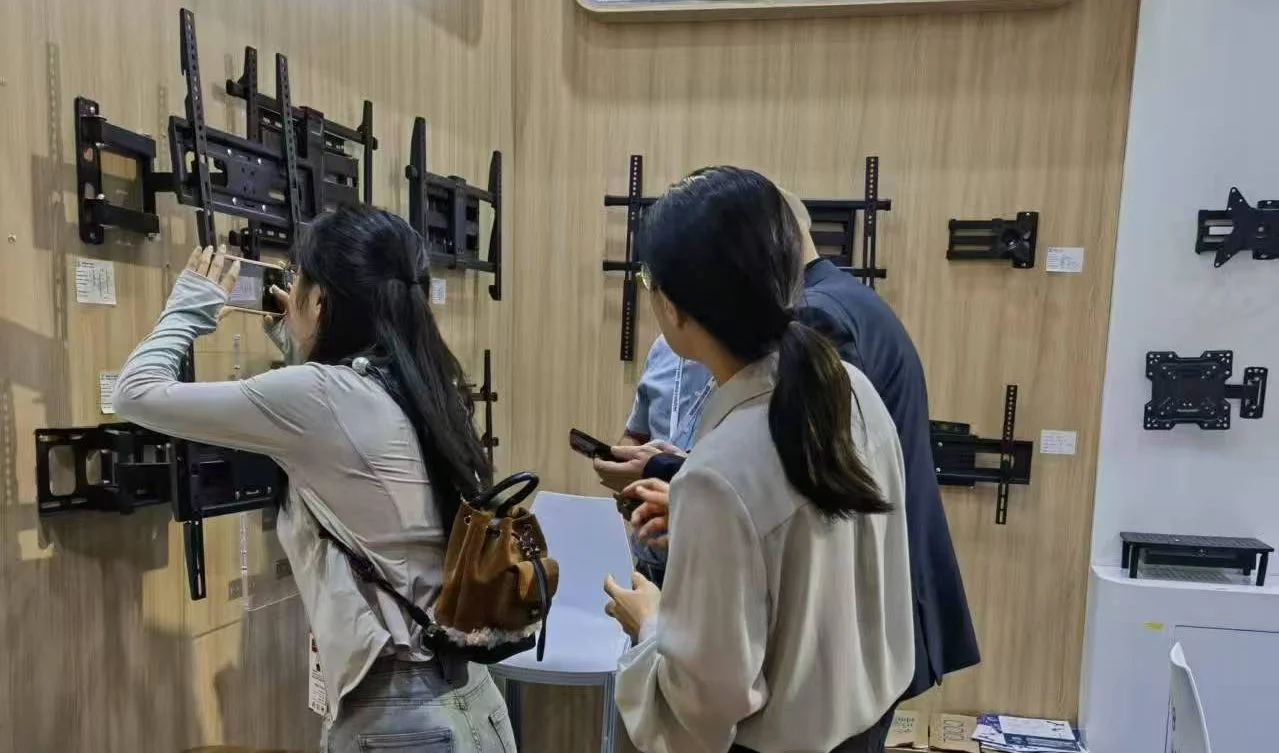
Different TV mount styles can affect viewing height, screen position, and overall comfort in a wall-mounted setup.
If your target height is already close to ideal, a lower-profile tilt mount may be enough. ThunderTech’s DT-SM officially supports 23–60 inch TVs and keeps the screen close to the wall.
If the room layout needs more flexibility, a full-motion mount may be more suitable. ThunderTech’s 506-64 officially supports 32–70 inch TVs, while the 340EX supports 23–55 inch TVs. Both are full-motion models, but the size range is not the same.
Planning tip: Choose the mount after you estimate the viewing height. The mount should support the placement you need, not force you into a less comfortable one.
FAQ About TV Mount Height and Viewing Angle
What is the optimal TV height?
In most rooms, it means placing the center of the screen close to seated eye level. That usually creates a more comfortable viewing angle for everyday use.
Does screen size affect TV mount height?
Yes. A larger TV changes the height of the screen, so the top and bottom edges will shift even if the screen center stays near the same eye-level target.
Is a full-motion mount better for viewing angle?
It can be helpful when the room layout or seating position varies. For example, ThunderTech’s 506-64 offers more post-installation flexibility than a closer-to-wall design.