
Have you mounted your TV neatly, only to find that the visible cables still make the wall look unfinished? Many people assume the best they can do is bundle the cords and hope they fade into the background.
In reality, in-wall wiring is often what creates the cleaner, built-in look they actually want. But before cutting into drywall, it helps to understand what this method involves and where it makes sense. This article explains the basics of cable concealment for a wall-mounted TV, including the setup, the process, and the simpler alternatives.
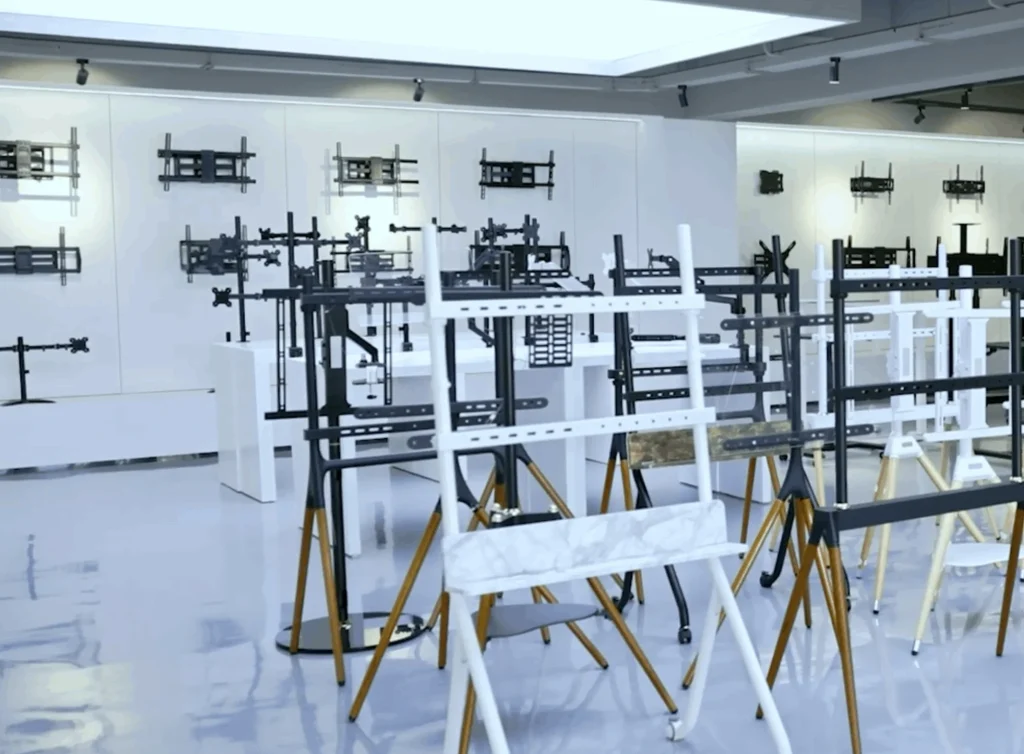
ThunderTech showroom with TV mounts for different wall-mounted setup needs.
Tools, Materials, and Cable Planning
A cleaner result starts with planning, not cutting. If your TV is mounted on a full-motion bracket such as ThunderTech’s 506-64 for 32–70 inch screens or 340EX for 23–55 inch screens, you also need enough slack for safe movement.
Tools:
- stud finder,
- pencil,
- tape measure,
- level,
- drywall saw,
- fish tape
Low-voltage materials:
- brush plates,
- cable pass-through plates,
- or a low-voltage in-wall kit for HDMI,
- audio,
- or network cables
Power materials:
- a listed in-wall power kit or another code-compliant power solution designed for wall-mounted TVs
Safety tip: Do not run a standard TV power cord or a regular extension cord through the wall. ESFI says extension cords should not run through walls, and brands like SANUS and ECHOGEAR use separate in-wall power products when power needs to be hidden.
What In-Wall Wiring Actually Means
In-wall wiring does not mean pushing loose cords into a hole behind the TV. It means creating a planned route inside the wall so the cables travel between the screen and a lower connection point in a controlled way.
For low-voltage cables such as HDMI, audio, and Ethernet, this often involves a brush plate, pass-through plate, or grommet. If power also needs to be hidden, that usually requires a listed in-wall power kit or a properly placed receptacle behind the TV.
That distinction matters because “hide TV cables in the wall” often combines two different jobs: routing low-voltage signal cables and handling power safely. For lower-profile setups, a tilt mount such as ThunderTech’s DT-SM can make exposed cords more noticeable, which is one reason in-wall cable concealment is often considered.
How to Hide TV Cables in the Wall
If the wall is suitable, the process is usually simple in concept.
- Mark the upper and lower openings.
The upper opening normally sits behind the TV, while the lower one sits near the media console or outlet area. - Check the wall before cutting.
Use a stud finder and confirm there is a workable path between the two points. - Match the opening to the cable type.
Use a low-voltage pass-through or brush plate for HDMI and similar cables. Use a listed in-wall power kit if the power connection also needs to be hidden. - Feed the cables and finish the opening.
Fish tape helps guide cables through the wall, then the wall plates or grommets create the finished look. - Test the setup with the TV in place.
This matters most on articulating mounts. On a full-motion model like ThunderTech’s 506-64, the cables need enough room to move when the screen extends or swivels.
Install tip: Label HDMI and audio connections before routing them. It makes later upgrades much easier.
When a Simpler Cable Concealment Method Makes More Sense
In-wall wiring is not always the right answer. If you rent, want to avoid drywall cuts, or only need a faster visual cleanup, a surface cable cover may be the more practical option.
That can still work well with a mount upgrade. If the main change is switching to a different mount style, such as ThunderTech’s CT44 tilt mount or 340EX full-motion mount, a simpler cable-concealment method may be enough.
A surface solution often makes more sense when:
- The wall cannot be opened easily
- The installation needs to stay reversible
- The goal is a neater look rather than a fully hidden one
Key Checks Before In-Wall Installation
Before starting, check a few limits that shape the whole project.
- Check the wall type.
Drywall is usually easier to work with than masonry or heavily insulated walls. - Think about cable type.
Low-voltage cables and power-related connections should not be treated the same way. - Plan for mount movement.
A full-motion mount needs cable slack and routing clearance. - Check the TV and mount size range.
If you use ThunderTech’s 340EX as a reference, remember that its official screen range is 23–55 inches, while the 506-64 is designed for 32–70 inch screens.
FAQ About Hiding TV Cables in the Wall
Can I run my TV power cord through the wall?
Not as a general shortcut. If power needs to be hidden, use a listed in-wall power kit or another code-compliant solution designed for wall-mounted TVs.
What can brush plates or pass-through plates be used for?
They are typically used for low-voltage cables like HDMI, audio, and network lines. They are not a substitute for a proper in-wall power solution.
Is a full-motion mount better for hidden cables?
Not always, but it requires more planning because the cables must move safely with the arm. For larger movable setups, ThunderTech’s 506-64 is a broader fit than the 340EX, which is designed for 23–55 inch TVs.