
A flat panel sits tight against the living room wall and looks exactly right, until someone needs to get at the HDMI ports behind it. Then the same mount has to swing the screen far enough out to work behind it, or angle it toward the kitchen where people actually sit. Those two demands pull in opposite directions, and a mount that is excellent at one is often ordinary at the other. Retracted depth, usable extension, screen weight and the wall itself all interact, so the decision is rarely settled by one headline number. This article works through the constraints that decide which side of the trade-off a room needs, what each constraint changes, and which document settles it.
The installation conflict behind the search
Searches that combine “sits close to the wall” with “extends far” are describing a single installation with two operating states. The mount spends most of its life retracted and is judged on how flush it looks. It earns its cost in the minutes it spends extended. Treating these as one requirement is what leads to disappointment on delivery day.
When a close retracted profile actually matters
Retracted depth becomes the dominant requirement when the screen shares a plane with something else. A panel set into an alcove or a recess has to clear the returns. A screen above a fireplace breast or a media unit reads badly if it stands proud of the surrounding face. In rooms where furniture or a walkway runs close to the wall, retracted depth also stops being cosmetic and starts being a clearance question.
Where a specification sheet gives a retracted depth, check which datum the figure is measured from, since a depth described to the back of the display and one describing the wall plate on its own need not be the same figure. Which datum applies is a question for the exact model’s own product page, confirmed against its installation instructions.
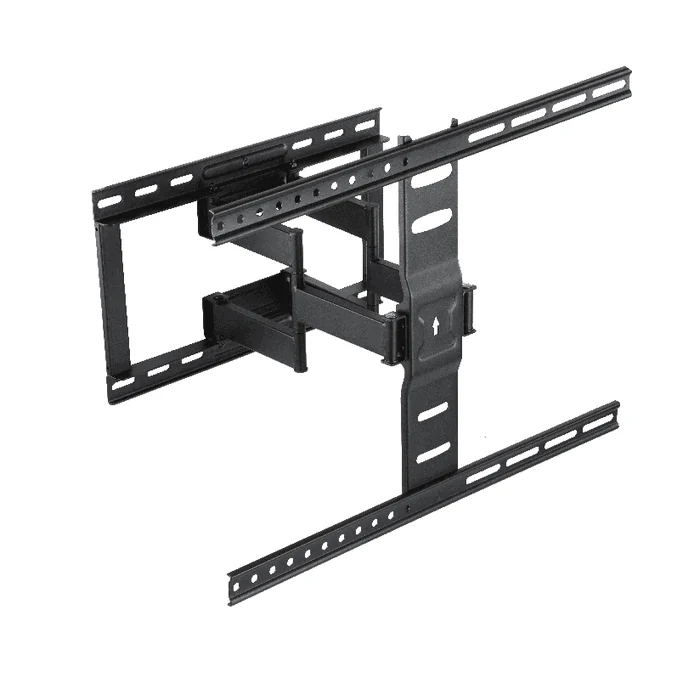
When reach earns its keep
Extension is worth paying for when a defined task needs it. Three situations recur:
- Rear access. Ports, power and a soundbar feed all sit behind the panel. The question is whether a hand and a cable connector can work back there with the screen swung out, not whether the screen moves at all.
- Off axis seating. An open plan room where people watch from a kitchen island or a side sofa needs the screen to rotate toward them, and rotation angle is only usable once the screen has cleared the wall.
- Corner and cross room viewing. Here reach and swivel work together, because the arm has to carry the screen past the wall line before any useful angle exists.
The decision that matters is separating a real reach requirement from a general preference for more movement. A reader who can name the task, such as reaching a port block on the lower left of the chassis or turning the screen toward a specific seat, can size the requirement. A reader who cannot name it is usually better served by the shallower form.
Four constraints to settle before comparing products
Product comparison only becomes meaningful after four inputs are known. Missing any one of them turns the choice into guesswork, and each has a different failure mode.
1. The display specification
Screen size in inches is the least useful figure in this whole exercise, because panels of the same diagonal vary considerably in mass and in mounting pattern. What decides compatibility is the model number, the weight without the stand, and the VESA hole pattern in millimetres.
Two details catch people out. Where a quoted display weight includes the pedestal stand, it may not be the figure a wall mount’s rating is meant to be compared against, so check which weight each document is describing. Some large panels also use recessed or non planar mounting bosses, which is a spacer question rather than a pattern question. Both are answered by the display manufacturer’s own specification sheet for that exact model.
2. The wall and the fixing route
The mount is only ever as good as what it is fixed to. A long arm increases the leverage applied at the wall plate, so substrate matters more here than it does for a fixed low profile bracket.
- Timber stud. The usable fixing positions are set by where the studs actually are, which may not align with where the screen needs to be centred.
- Solid masonry or concrete. Generally the most forgiving for load, provided the anchors specified in the installation instructions are the ones used.
- Metal stud, dot and dab, or a boarded cavity. These need to be identified before ordering, not discovered while drilling, because they usually change the fixing method rather than the mount.
The controlling document is the installation instruction sheet supplied with the specific mount. It names the substrates the product has been prepared for and the fixings intended for each. No article, including this one, can substitute for it.
3. Room geometry and clearance at full articulation
Reach is only useful if the extended screen has somewhere to go. Sketch the arc the panel sweeps through and check it against a door leaf, a window reveal, a return wall, a floor lamp and any pendant lighting. Corner installations need this check most, and are where an otherwise correct mount most often has to be repositioned.
Cable behaviour belongs in the same check. Every cable at the back of the panel has to tolerate the full travel repeatedly, which means service loops long enough for full extension and routed so nothing is pinched as the arm folds.
4. The published mount specification
Only now is it worth reading product pages, and the figures to compare are consistent across the category:
- Rated load, compared against the display weight without its stand.
- Supported VESA range, compared against the measured pattern.
- Retracted depth, measured to the back of the display.
- Maximum extension from the wall face.
- Swivel, tilt and level adjustment ranges, with the swivel figure noted at the extension where it applies.
Read those five figures from the product page of the exact model under consideration. Ratings and dimensions vary between models within a family, and figures quoted in older articles or third party listings drift from the current published specification.
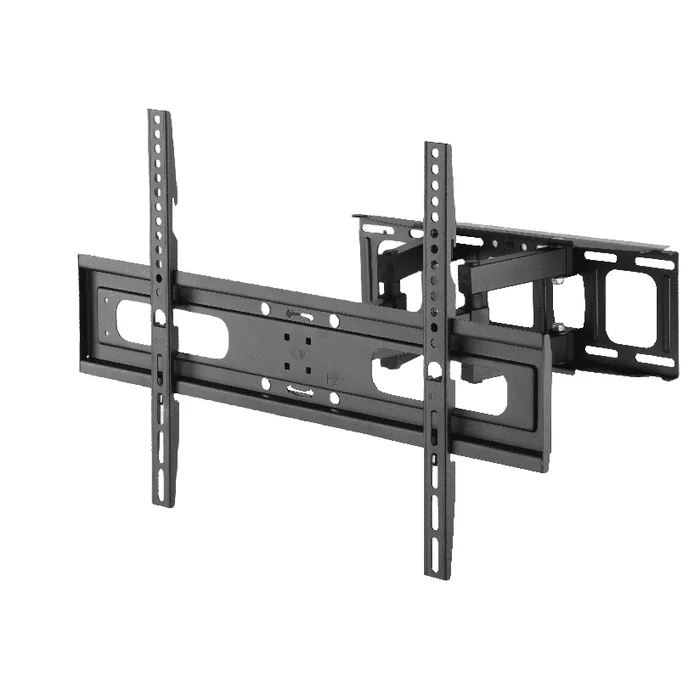
What the profile versus reach trade-off actually costs
The trade-off is structural rather than a matter of quality. Understanding why makes the product pages easier to read.
Reach and retracted depth are both properties of how a particular arm is arranged and how it folds, so how one design balances them is not something to infer from a single figure. Where both states matter to a room, read the retracted depth and the extension of the exact model together from its own product page, and confirm the folded arrangement against that model’s installation instructions.
Three consequences follow, and they are worth weighing before a model shortlist exists:
- Check how loading is specified at full extension. Where a model’s documentation treats the retracted and extended states separately, take the fixing route and the specified anchors from that model’s installation instructions rather than assuming the retracted case covers both.
- Cable management gets harder as travel increases. Longer service loops have to be accommodated in the retracted state as well as the extended one.
- Adjustment ranges interact. Usable swivel is often quoted at a particular extension, so a swivel figure and a depth figure should be read together rather than separately.
None of this produces a universal threshold. It produces a way of ranking a specific room’s requirements, which is the part a specification sheet cannot do for the reader.
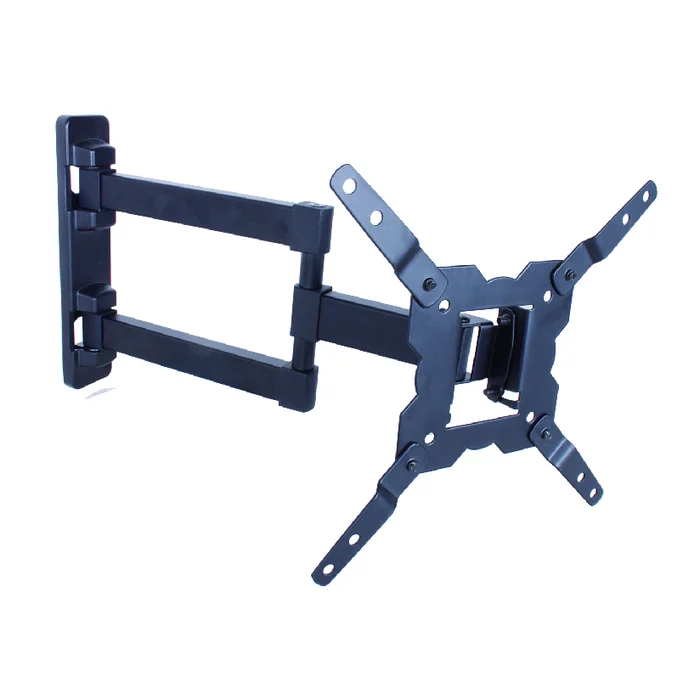
Comparing a shortlist across brands
Four places where published figures diverge in how they are measured:
- Retracted depth. Some sheets give the depth of the wall plate and arm assembly, others give the finished depth to the back of the display. Only the second describes what the room sees.
- Extension. Check whether the figure is measured from the wall face or from the mounting interface, and whether it describes the panel’s back or its centre.
- Swivel. A swivel figure may be a total across both directions or a per side angle, and it is often valid only at or near full extension. Read the qualifier, not the headline.
- Tilt. Some ranges are forward only, others combine forward and back into a single total.
The practical move is to rewrite every candidate’s figures into one convention of your own before comparing them, taking each from that model’s own published specification. A shortlist normalised this way usually shortens quickly, and the remaining differences are real ones rather than artefacts of how two companies write a datasheet.
Where ThunderTech product forms fit
Read against the constraints above, this category resolves into two product forms rather than a single best mount.
- Ultra thin full motion mounts, designed around a shallow retracted profile while still articulating, for rooms where the flush look is the governing requirement.
- Longer reach full motion mounts, built around extension and swivel, for rear access and off axis seating where the screen has to clear the wall line properly.
ThunderTech is an AV mounting manufacturer and publishes both forms in its official product range. That page is the correct starting point for identifying the form that matches a room, and each model’s own product page is the only place to confirm its rated load, VESA range, retracted depth and extension. Treat any figure repeated elsewhere, including in editorial content, as something to confirm there before it is relied on for an installation.
Talking to a manufacturer as a retail or OEM buyer
Buyers sourcing this category rather than installing a single screen are answering a related question: whether a supplier’s published scope covers the product they intend to sell. That conversation moves faster when the request for quotation carries the technical envelope up front rather than a category name.
Useful inputs to include:
- Display envelope: size band, and the weight range without stands.
- VESA range the product needs to cover.
- Target geometry: intended retracted depth and extension, with which of the two is the priority.
- Expected use, such as residential retail, rental turnover, or commercial installation.
- Packaging, instruction and branding requirements, including language and artwork ownership.
- The market documentation the destination country expects for the product.
With that in hand, ThunderTech’s manufacturing process page and company overview are useful for a scope check, meaning whether the processes described cover the product being discussed. Anything beyond published scope, including tooling routes, capacity, certification coverage, lead time and finished performance, is a project confirmation item to establish in writing rather than something to assume from a website.
A working checklist before ordering
Run these in order. Each step closes off a failure mode that the following steps cannot recover from.
- Record the display model number, weight without stand, and measured VESA pattern.
- Identify the wall substrate and locate the structural fixing positions available at the required screen centre.
- Name the task that requires reach, then measure the extension the room needs for it.
- Sketch the swept arc at full articulation and check it against doors, reveals, return walls and lighting.
- Compare rated load, VESA range, retracted depth, extension and adjustment ranges from the product page of the exact model.
- Read that model’s installation instructions and confirm the specified fixings match the substrate identified in step two.
- Plan cable service loops for the fully extended position and confirm they stow without pinching when retracted.
Frequently asked questions about low profile long reach full motion mounts
Can one mount be genuinely slim when retracted and still extend a long way?
How the two properties balance depends on the exact geometry of the individual model, so this article cannot settle it in general terms. Decide which state governs the room, then compare the published retracted depth and extension figures for the specific model on its own product page. ThunderTech publishes both ultra thin and longer reach full motion forms in its product range.
Which figure decides whether a mount fits my TV?
Rated load compared against the display weight without its stand, and the supported VESA range compared against the measured hole pattern. Screen diagonal alone does not decide it, since panels of the same size vary in mass. Take both display figures from the manufacturer’s specification sheet for your exact model number.
How do I confirm a long reach mount is suitable for my wall?
This article cannot establish suitability for any particular wall, because that depends on the construction in front of you and on the model concerned. Use the installation instructions supplied with the exact model as the governing document for substrates and fixings. Where the construction is not certain, obtain a qualified installation assessment for your wall before proceeding.
How much extension do I actually need for rear port access?
It depends on panel depth and where the ports sit on the chassis, so measure rather than adopt a general figure. Check how far the screen has to clear the wall for a hand and a connector to reach the port block. Then compare that against the published maximum extension of the model you are considering.
Does a full motion mount above a fireplace need anything different?
That position usually combines a raised mounting height with a wall face that makes retracted depth visually obvious. Confirm the substrate of the chimney breast and the structural fixing positions available at the required height. Then check clearance through the full swept arc, including the mantel, before selecting a model.